
Set up
Choose a sheet layout
NEET-style, JEE-style or two-page with numerical answers.
Exam Engine reads the bubbles from an ordinary phone photo, scores each paper and builds results by batch and branch. Anything unclear waits for a person, never guessed.
Prefer India? WhatsApp India
Sign in to your institute’s workspace to upload sheets, review marks and see results.
Sign inNew here? Book a demo and we’ll show it working with your own sheets.
The short tour
From printing the sheet to the results, in one short video.
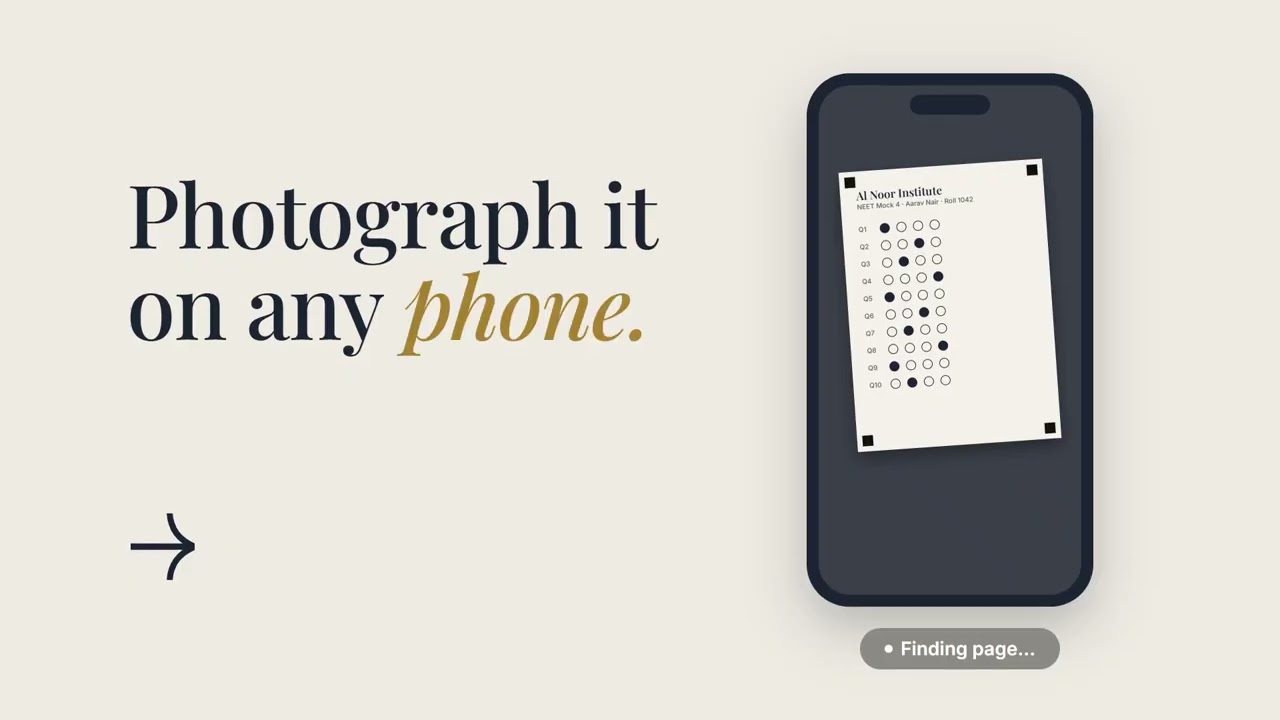
Results shouldn’t take all week. Print a sheet for every student, with their name and a QR code. Photograph the answered sheets with an ordinary phone. No scanner needed. A bad photo is flagged while the paper is still in your hand. Unclear marks wait for a person, beside the original sheet. Nothing is guessed. Get results by batch, by branch and by student. Exam Engine by Alteable. Book a demo today.
The screens
One screen from each stage of a test, rebuilt from the real app. Names and numbers are sample data.
Set up
NEET-style, JEE-style or two-page with numerical answers.
Name, roll number, QR code and sheet code on each one.
Photograph
Weak scans are flagged while the paper is still in your hand.
Review
The scan sits beside the measured fill. Nothing is guessed.
Results
Averages, score bands and subject-wise analysis.
Control
Branch managers only see their own branch.
The full tour covers all 14 steps, from the answer key to archiving a test.
Pick one when you create a test. Each prints with a QR code and a sheet code for every student.
Sample sheets for illustration.
A good photo is the only thing the reader needs. These tips are built into the app, and here they are before you start.
We’ll walk you through Exam Engine with sample data, or with a few of your own sheets.
WhatsApp us on +971 50 602 4579, or book a demo and we’ll find a time.
WhatsApp us on +91 97184 99479.
Use the Sign in button at the top of this page.
No. Photograph the answered sheets with an ordinary phone and upload them, or upload scans if you already have them.
The question is flagged and appears in a review queue beside the original sheet. A person confirms or corrects it. Nothing is guessed.
Yes. Branch Manager accounts are limited to their own branch. Owners and Admins see the whole organisation.
Priced to be competitive, with the full feature set. Quotes are tailored to your institute and market. Book a demo and we’ll talk it through.